Transform Your Ideas into Viral Videos: The Future of Content Creation is Here

Unleash the power of AI to craft compelling videos that captivate your audience and skyrocket your channel's growth.

Create YouTube Content Faster, Smarter & More Creatively Than Ever Before

“YouTube AI Magic” is an easy-to-follow training that shows you how to use AI tools to plan, script, design, and produce professional-level YouTube videos — without filming yourself, without learning editing software, and without needing any technical background.

If you’ve ever wanted to publish high-quality videos… …but felt overwhelmed by the creative or technical side… 

This course gives you a simple, repeatable system to turn ideas into polished YouTube-ready videos with minimal effort.
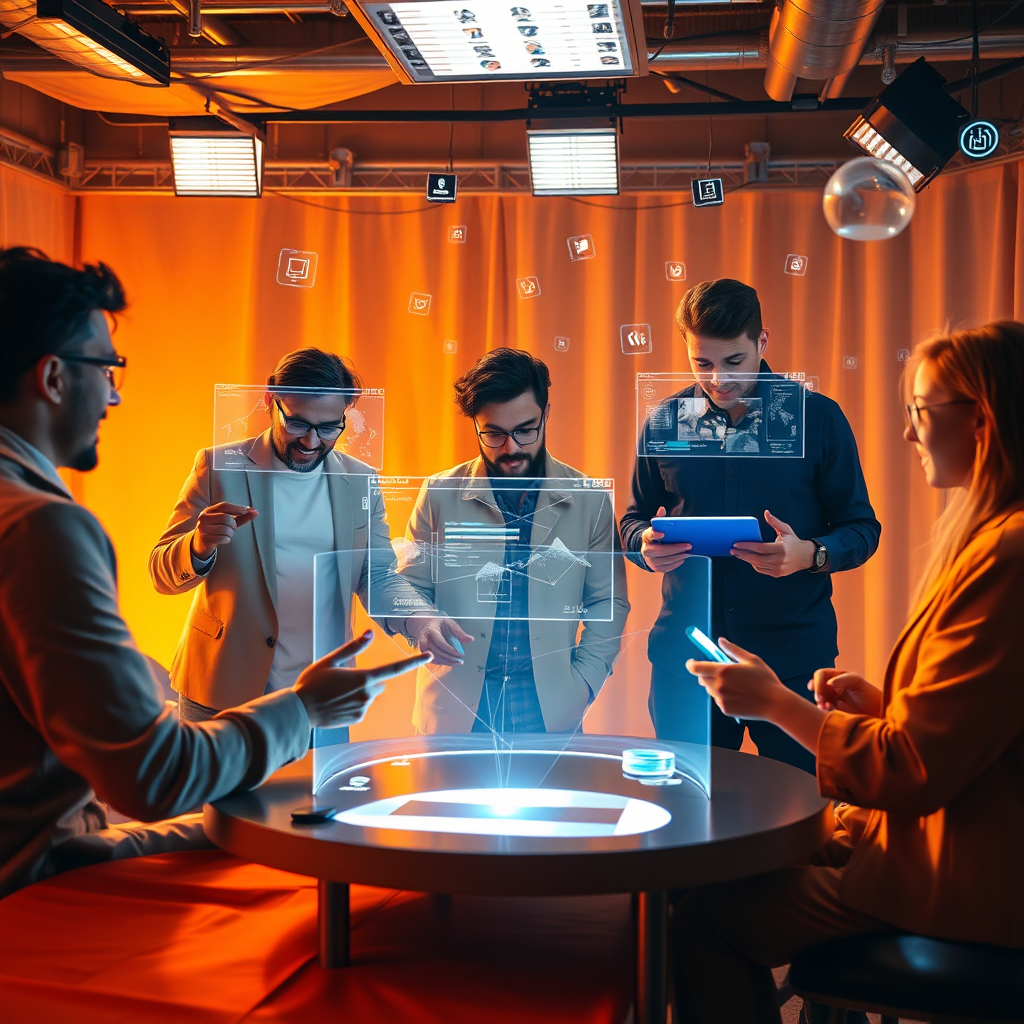
A 4K resolution image showcasing a diverse group of creators collaborating in a virtual video production studio. Each creator is interacting with holographic interfaces, representing different aspects of AI-powered video creation. The studio is bathed in warm, inviting light, with a color palette of oranges, yellows, and blues. The composition is dynamic and collaborative, emphasizing the ease and accessibility of the platform. The camera angle is a medium shot, capturing the energy and enthusiasm of the creators. Subtle textures of fabric, metal, and light create a sense of realism and immersion. The environment includes floating data streams, symbolizing the seamless flow of information and ideas. Style reference: A modern co-working space meets a futuristic video production environment.

Who This Is For

This course is designed for:

Beginners
A photorealistic image depicting an AI interface writing a video script. The background shows a montage of various video genres. The color palette is clean and modern, using whites, blues, and greens to convey technology and creativity. The lighting is soft and diffused, highlighting the AI's efficiency. The composition is focused on the AI interface, with subtle visual cues indicating the type of video being generated.

who want to publish videos without complicated editing

Busy creators
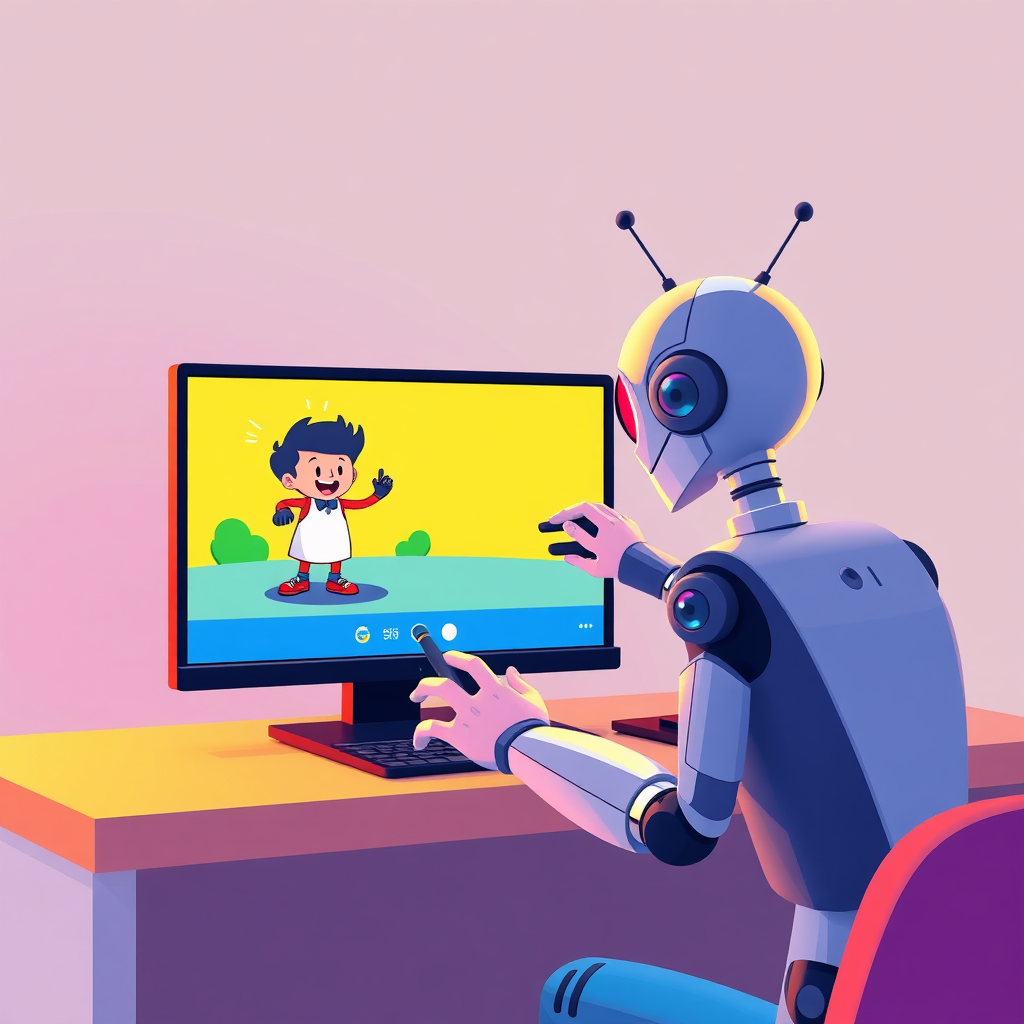
A stylized image of an AI animating a character on a screen. The animation is vibrant and eye-catching, showcasing the AI's creative capabilities. The color palette is bright and playful, using primary colors to evoke a sense of fun and accessibility. The composition is dynamic and engaging, highlighting the ease of animation creation.

who need a faster, smoother production flow

Professionals
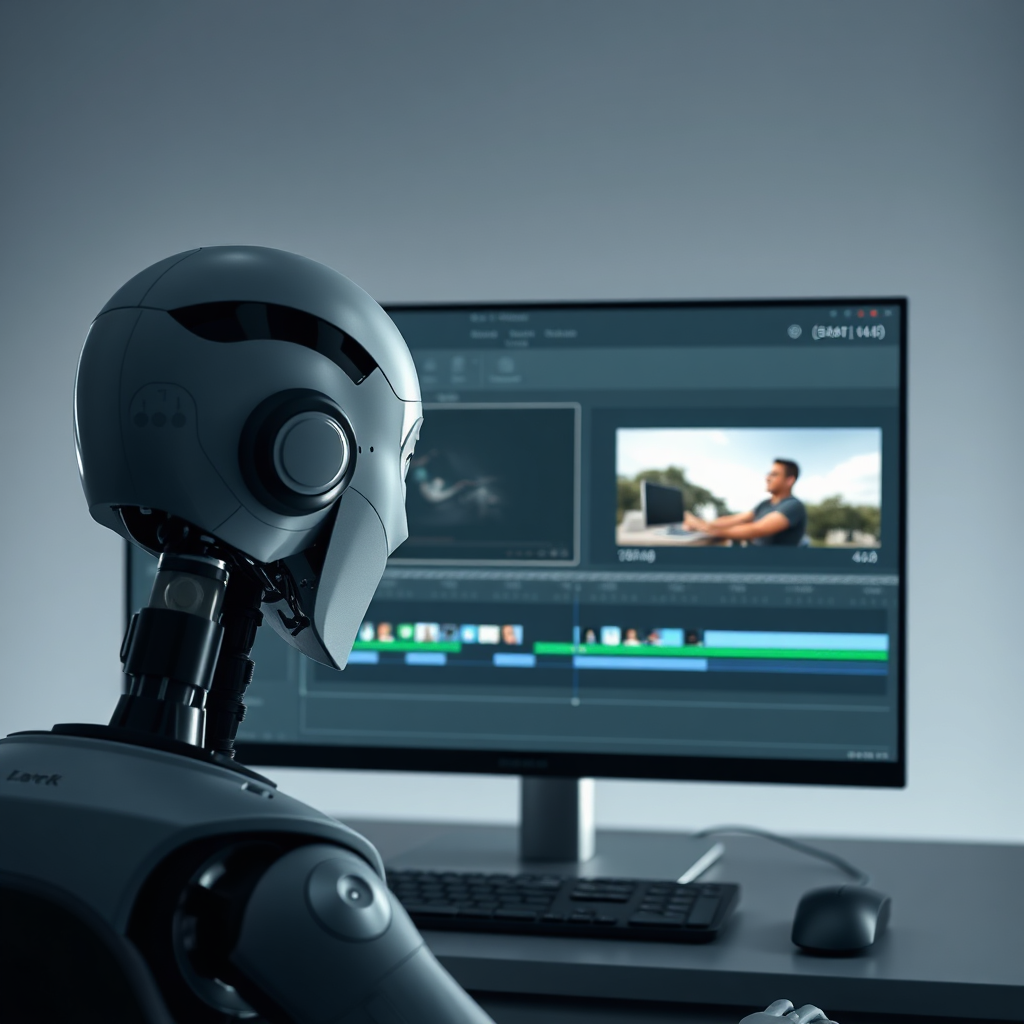
A photorealistic image of an AI editing a video. The interface is clean and intuitive, with various editing tools and effects displayed. The color palette is professional and refined, using grays, blues, and greens to convey precision and efficiency. The composition is focused on the AI interface, with subtle visual cues indicating the different editing processes.

who want to use YouTube as a brand asset

What You’ll Learn Inside YouTube AI Magic
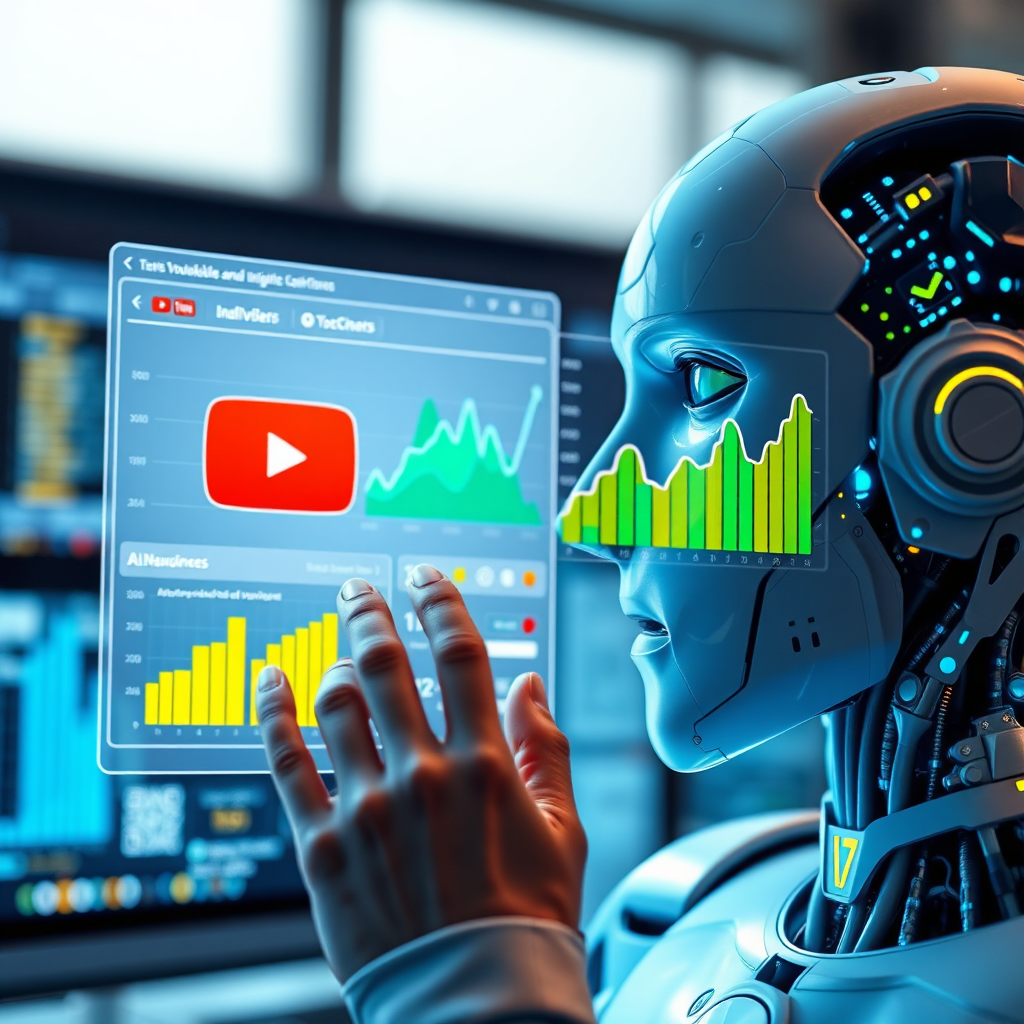
A photorealistic image of an AI analyzing YouTube data. Graphs and charts are displayed on a holographic screen, visualizing audience trends and content performance. The color palette is data-driven, using blues, greens, and yellows to represent different metrics. The composition is focused on the AI interface, with subtle visual cues indicating the strategic insights being generated.

MODULE 1

 — Foundations of AI-Powered Video Creation How AI video tools work Understanding formats, styles, and video structures How to plan a video that viewers actually watch

A stylized image of an AI promoting a video on various social media platforms. The video is being shared across multiple channels, reaching a global audience. The color palette is vibrant and dynamic, using different colors to represent each platform. The composition is engaging and energetic, highlighting the AI's promotional capabilities.

MODULE 2

 — Script Creation Made Ultra-Simple Use AI to generate engaging scripts Rewrite and refine your ideas effortlessly Create multiple variations instantly
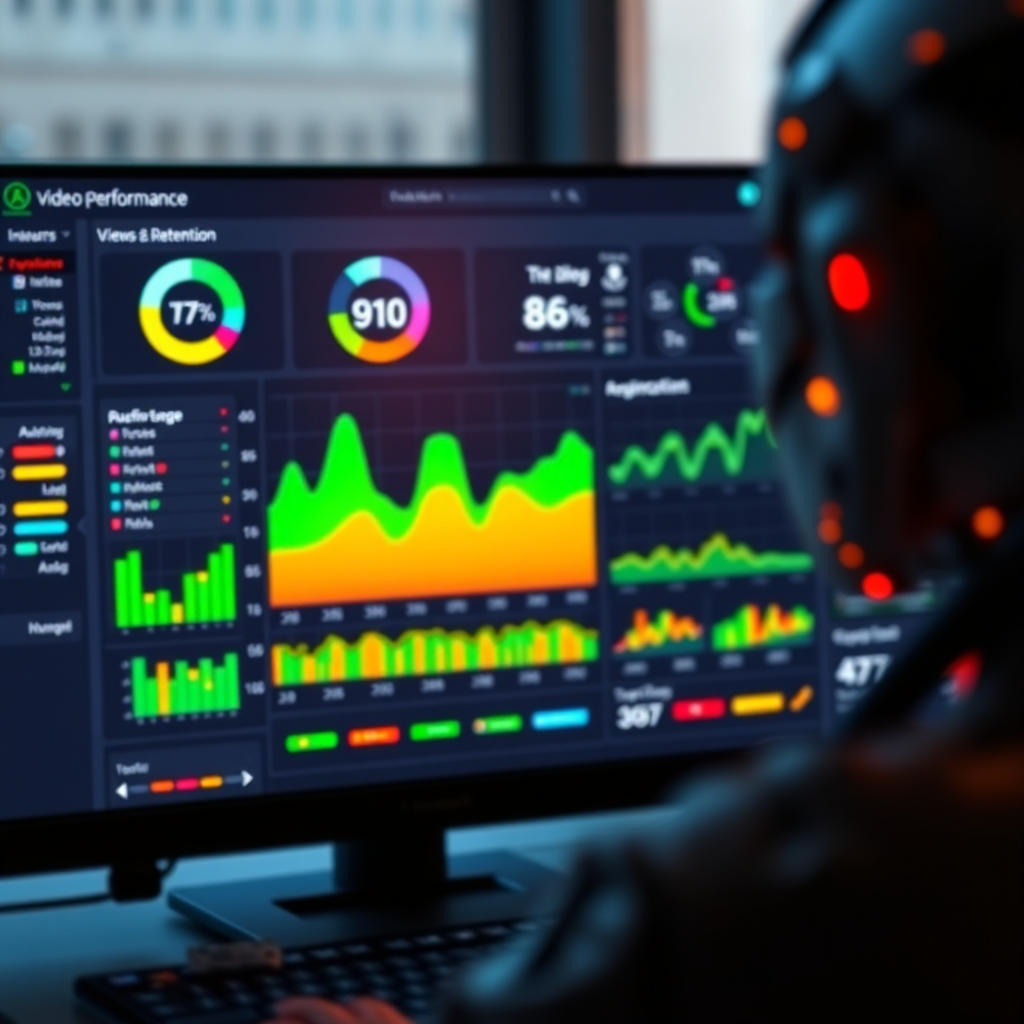
A photorealistic image of an AI tracking video performance metrics. Real-time data is displayed on a dashboard, visualizing views, engagement, and audience retention. The color palette is informative and actionable, using greens, yellows, and reds to represent different performance indicators. The composition is focused on the dashboard, with subtle visual cues indicating the key metrics being tracked.

MODULE 3

— AI Video Production (The “One-Click Studio” Method) Turn scripts into voiceovers, scenes, and visuals Combine assets into a smooth final video Add pacing, transitions, and tone automatically

What You’ll Learn Inside YouTube AI Magic

A photorealistic image of an AI analyzing YouTube data. Graphs and charts are displayed on a holographic screen, visualizing audience trends and content performance. The color palette is data-driven, using blues, greens, and yellows to represent different metrics. The composition is focused on the AI interface, with subtle visual cues indicating the strategic insights being generated.

MODULE 4

 — Branding & Design Systems Create consistent YouTube thumbnails Build intros/outros without animation skills Establish a recognizable channel identity

A stylized image of an AI promoting a video on various social media platforms. The video is being shared across multiple channels, reaching a global audience. The color palette is vibrant and dynamic, using different colors to represent each platform. The composition is engaging and energetic, highlighting the AI's promotional capabilities.

MODULE 5

— Workflow Automation Produce multiple videos efficiently Save templates, prompts, and workflows Build repeatable content systems that scale your creativity

A photorealistic image of an AI tracking video performance metrics. Real-time data is displayed on a dashboard, visualizing views, engagement, and audience retention. The color palette is informative and actionable, using greens, yellows, and reds to represent different performance indicators. The composition is focused on the dashboard, with subtle visual cues indicating the key metrics being tracked.

MODULE 6

 — Publishing & Optimization Essentials Formatting your video for upload Writing descriptions, titles, and tags Understanding watch-time and viewer retention basics

What You’ll Be Able To Do After This Course

By the end, you’ll know how to:

Produce polished videos with AI
A stylized image showing a clock melting away, representing time saved through AI automation. The background shows a montage of various video production tasks being completed in seconds. The color palette is vibrant and energetic, using bright colors to represent efficiency and speed. The composition is dynamic and engaging, highlighting the transformative power of AI.

Generate scripts instantly

A photorealistic image showing money being saved through AI video creation. The background shows a montage of traditional video production costs being eliminated by AI automation. The color palette is financial and pragmatic, using greens, blues, and grays to represent cost savings and efficiency. The composition is clean and clear, highlighting the economic benefits of AI.

Automate repetitive creative tasks

A stylized image showing a brain exploding with creative ideas, representing the boundless possibilities of AI-powered video creation. The background shows a montage of various video genres and styles being brought to life. The color palette is vibrant and imaginative, using a wide range of colors to represent creativity and innovation. The composition is dynamic and inspiring, highlighting the transformative power of AI.

Speed up your entire YouTube workflow

A stylized image showing a clock melting away, representing time saved through AI automation. The background shows a montage of various video production tasks being completed in seconds. The color palette is vibrant and energetic, using bright colors to represent efficiency and speed. The composition is dynamic and engaging, highlighting the transformative power of AI.

Build a recognizable video style

A photorealistic image showing money being saved through AI video creation. The background shows a montage of traditional video production costs being eliminated by AI automation. The color palette is financial and pragmatic, using greens, blues, and grays to represent cost savings and efficiency. The composition is clean and clear, highlighting the economic benefits of AI.

Create unlimited content without feeling overwhelmed

A stylized image showing a brain exploding with creative ideas, representing the boundless possibilities of AI-powered video creation. The background shows a montage of various video genres and styles being brought to life. The color palette is vibrant and imaginative, using a wide range of colors to represent creativity and innovation. The composition is dynamic and inspiring, highlighting the transformative power of AI.

No tech stress.  No equipment needed.  No editing headaches.  Just pure creation.

What You Get Today
A photorealistic image of an AI creating a video. The AI interface is clean and intuitive, with various video production tools and effects displayed. The color palette is modern and professional, using blues, greens, and grays to convey technology and efficiency. The composition is focused on the AI interface, with subtle visual cues indicating the different stages of video creation.

Full access to the YouTube AI Magic training portal

A stylized image of a coach guiding a student through a YouTube strategy session. The coach is sharing insights and tips, while the student is taking notes and implementing the advice. The color palette is warm and inviting, using oranges, yellows, and browns to create a sense of trust and collaboration. The composition is focused on the coach and student, highlighting the personalized nature of the coaching.

Step-by-step video lessons

A photorealistic image of an AI growing a YouTube channel. The AI is analyzing data, optimizing content, and promoting videos to reach a wider audience. The color palette is data-driven and actionable, using greens, blues, and yellows to represent different growth metrics. The composition is focused on the AI interface, with subtle visual cues indicating the key growth strategies being implemented.

Tool-specific walkthroughs

Why This Course Stands Out

This is not another “AI hacks” course.


It’s a practical, realistic, beginner-friendly system that helps you create content responsibly, using tools that make the creative process enjoyable, fast, and stress-free.

IMPORTANT DISCLAIMERS

This is not another “AI hacks” course.


No Income Claims: 

This course does not promise, guarantee, or imply any financial results. It teaches creative and technical skills only. Any examples shown are purely for educational demonstration. 


 Individual Results Vary: 

Your outcomes depend on your effort, skill level, decisions, and external factors. We do not guarantee specific performance, growth, traffic, views, or other measurable outcomes. 


 Educational-Only: 

“YouTube AI Magic” is an educational resource. Nothing inside should be considered financial, business, or legal advice. 


 No Affiliation Disclaimer: 

YouTube®, Google®, and all referenced tools are trademarks of their respective owners. This course is not affiliated with, endorsed by, or officially connected to them. 


 Tool Availability: 

AI tools used in the training may update or change features over time. Your experience may vary based on tool updates.


 Fair-Use Disclosure:

 Any demonstrations are for instructional purposes only. Users are responsible for following YouTube policies and copyright guidelines.

Get Started Now